/dqc/media/agency_attachments/2026/08/21/2026-08-21t061716244z-dq-channels-logojpg-2026-08-21-11-47-17.jpeg)

/dqc/media/media_files/2026/09/10/dq-channels-whatsapp-2026-09-10-17-07-48.png)

 Follow Us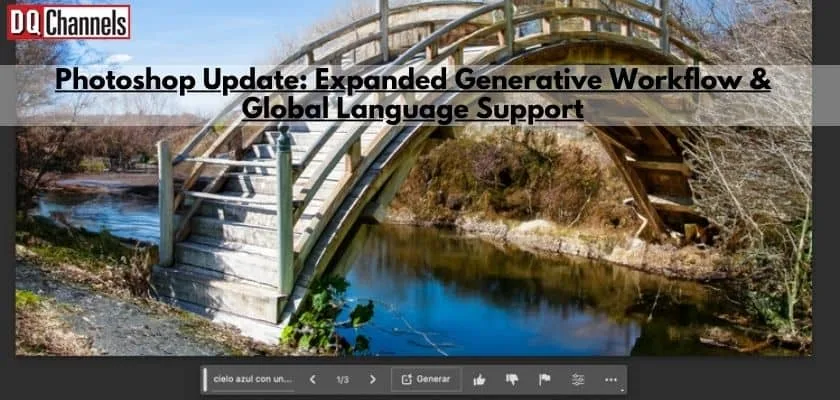
Recently, Photoshop announced the integration of Firefly into their beta app. This new feature, called Generative Fill, enables users to add, expand, or remove content from images in a non-destructive manner using simple text prompts. This is an expansion to generative workflow & Global Language support for the firefly.
Since its integration, over 900 million images have been generated, and users have been ecstatic about the limitless creative opportunities this feature provides. Generative Fill allows users to magically expand dimensions, transform pixels, and make edits in a faster and more intuitive way than ever before.
Today, we’re excited to announce that Firefly-powered features in Photoshop (beta) will now support text prompts in 100+ languages — enabling users around the world to bring their creative vision to life with text prompts in the language they prefer.
We are also evolving Photoshop’s Generative AI capabilities with Generative Expand, a new frictionless workflow dedicated to expanding images beyond their original bounds. Powered by the same Firefly-based technology as Generative Fill, Generative Expand enables users to seamlessly expand and resize any image by clicking and dragging the Crop tool, expanding the canvas. After clicking “Generate” the new white space is filled with AI-generated content that naturally blends with the existing image. This streamlined workflow enables users to create and ideate in Photoshop with Generative AI more quickly and intuitively than before.
Generative Workflow and Global language support in action
As mentioned, Generative Expand allows users to seamlessly expand images using the Crop tool. Suppose your subject is cut off, your image is not in the aspect ratio you want, or an object in focus is misaligned with other parts of the image — you can use Generative Expand to expand your canvas and get your image to look like anything you can imagine.
There are more exciting generative AI developments coming this fall, so keep an eye out for Photoshop feature announcements that will help to further enhance your creative potential!