
Kingston IronKey guide reveals four steps to safer data

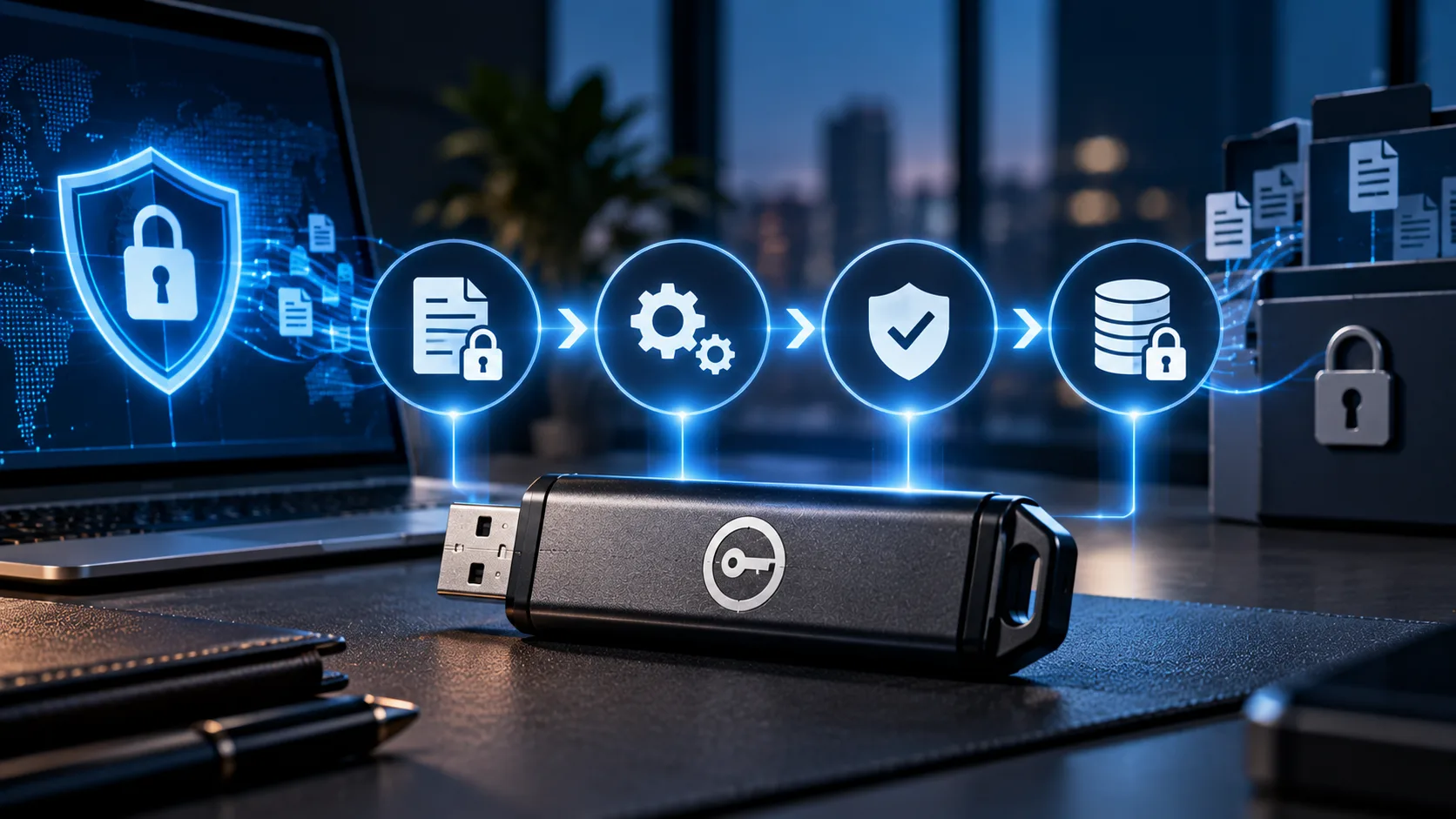
Portable storage has made it easier to move important files between work, home and other environments. But as more Sensitive data travels on physical drives, choosing the right level of protection becomes just as important as choosing storage capacity. Kingston’s latest guidance focuses on four areas users should examine before selecting an encrypted drive.
The central point is simple: an “encrypted” label does not necessarily tell the whole security story. For Kingston data security, the choice comes down to how encryption works, how the drive is tested and what happens when someone tries to access it without permission.
Hardware encryption changes the security equation
Kingston highlights Hardware encryption as a key consideration. Hardware-encrypted drives use a dedicated secure microprocessor to encrypt files automatically when they are saved and decrypt them only after authentication.
The company recommends always-on encryption, along with industry-standard XTS-AES 256-bit hardware encryption. The approach is designed to keep encryption keys protected inside the device while reducing the possibility of users disabling or bypassing protection.
For organisations, the next consideration is whether security claims have recognised backing. Standards such as NIST FIPS 140-3 and TAA compliance can provide additional assurance, particularly for government, regulated industries and organisations handling sensitive information.
Protect sensitive data beyond encryption
Encryption is only one part of the picture. Kingston also points to protection against brute-force attacks, BadUSB firmware tampering, multiple password options and read-only modes.
These features matter because a lost or stolen drive creates more than a simple access problem. The security layer needs to account for attempts to break into the device or modify data when it is connected to an untrusted system.
That makes the Kingston IronKey guide less about finding one universal drive and more about matching protection to the actual use case. A student storing coursework has different needs from a healthcare organisation transferring sensitive information or a business maintaining an offline backup.
Different users need different secure drives
Kingston's portfolio spans several scenarios. The IronKey Locker+ 50 G2 is aimed at everyday users, while the Vault Privacy 50 Series targets freelancers and remote workers. The Keypad 200 Series is designed for professionals using specialised equipment, while the Vault Privacy 80 External SSD addresses high-capacity business storage.
For regulated organisations, the IronKey D500S combines FIPS 140-3 Level 3 validation, XTS-AES 256-bit hardware encryption and TAA compliance.
Read More:
Orient Technologies makes a USD 5 million cybersecurity expansion move
Siemens and Redington expand industrial software access across Africa
CloudTV thunderOS takes aim at India’s TV OS gap
Commvault Active Directory Pre Recover targets identity downtime






 2 Min read